
Handheld 3D scanners · India enquiries
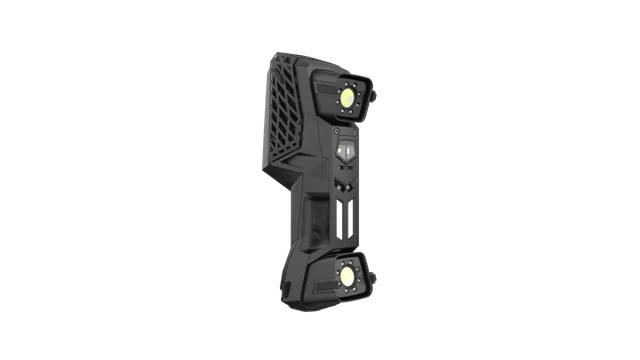
HandySCAN PRO 3D scanner for reverse engineering
HandySCAN PRO captures physical component geometry for reverse engineering and product development. The scan supplies surface data; your chosen CAD workflow turns that data into the design geometry required for replacement parts, tooling or product modifications.
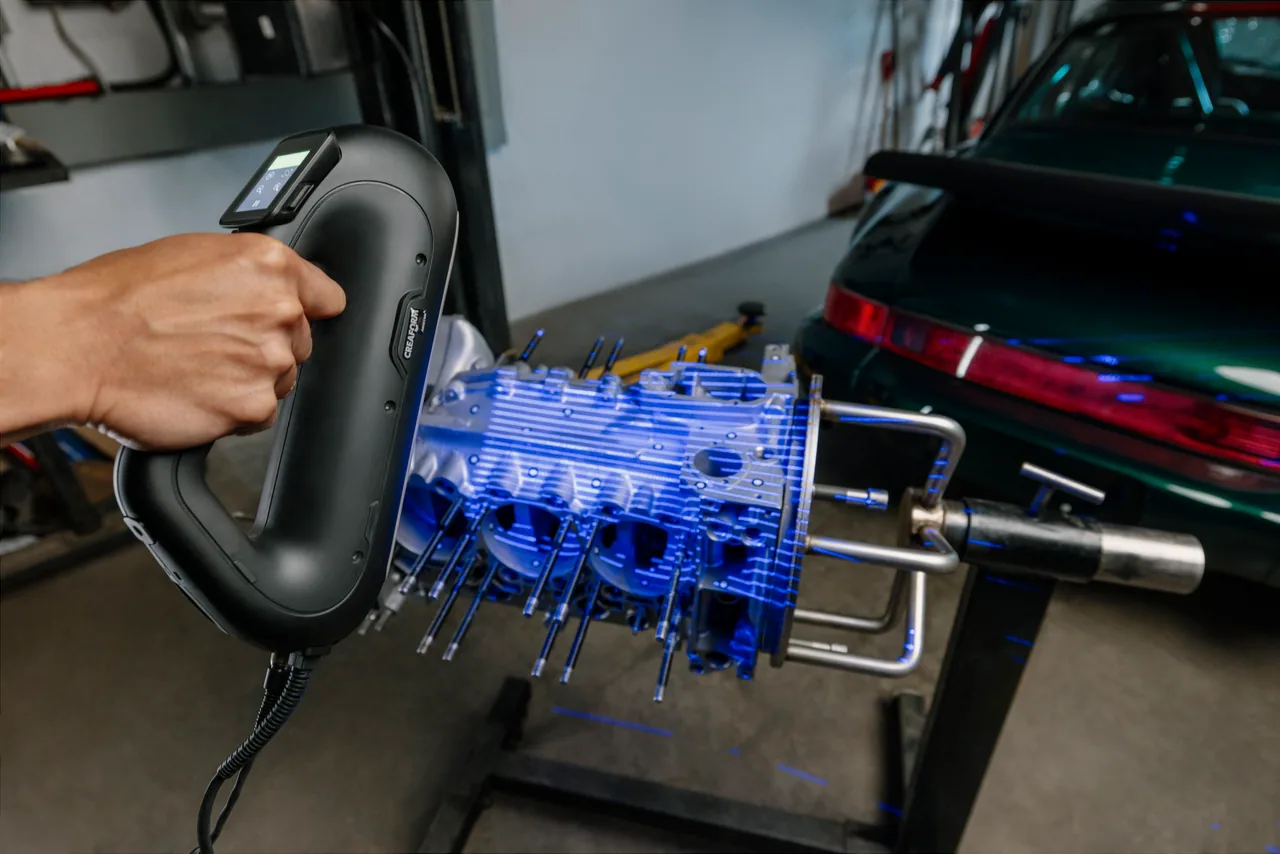
What can HandySCAN PRO Series help you achieve?
Reconstruct existing parts
Capture surface geometry as a reference for rebuilding components in CAD.
Develop design modifications
Bring the physical shape of a component into the design process.
Support tooling development
Use scans of existing parts to inform tooling and fit studies.
Application fit
When should you consider HandySCAN PRO Series?
- Replacement-part development
- Design changes to existing components
- Tooling and product development teams
Application support from K K Geo System Pvt Ltd
Our team helps you select the scanner, CAD reconstruction software, workstation and accessories around your components and required output. Share your application so we can recommend a suitable configuration.
HandySCAN PRO Series — models and specifications
| Model | Accuracy | Volumetric accuracy | Measurement resolution |
|---|---|---|---|
| HandySCAN PRO | 0.030 mm | 0.020 mm + 0.060 mm/m | 0.025 mm |
Published acquisition rate: 1,200,000 measurements/s. The Scan-to-CAD module in Creaform Metrology Suite supports geometry extraction; quoted software inclusions determine the reconstruction workflow.
Published specifications apply to the manufacturer’s configuration and test conditions.
How does HandySCAN PRO Series fit into your workflow?
Scanning captures the existing part. Mesh preparation creates a usable reference, and CAD reconstruction converts that reference into the design geometry needed for modification, replacement or tooling.
Watch HandySCAN PRO Series in action
See the equipment in use
Explore the equipment and its application in this manufacturer overview.
Manufacturer overview · 1:27 · Plays on this page
What determines the HandySCAN PRO scan-to-CAD package cost?
The quotation for HandySCAN PRO Series depends on the scanner, CAD reconstruction software, workstation and accessories. K K Geo System Pvt Ltd can recommend a configuration for your application and provide a proposal covering the agreed equipment, training and support.
Your HandySCAN PRO Series questions answered
Does HandySCAN PRO create editable CAD automatically?
The scanner captures surface data. CAD reconstruction uses that data to rebuild design geometry in appropriate software; it is a separate step from capturing a mesh.
How does Scan-to-CAD software help?
It supports extracting geometry from the scan for the reconstruction workflow. The selected software package determines which preparation and modelling tools are included.
Can PRO help reproduce a worn component?
A scan records the component as it exists, including wear. Reconstruction can use drawings and engineering judgement to restore intended geometry rather than copying damage into the replacement.
Which alternatives should you compare?
Compare Peel CAD preparation · Compare Peel CAD modelling
Discuss your application
Discuss your HandySCAN PRO Series application
Share your component and measurement requirements so K K Geo System Pvt Ltd can recommend a suitable configuration and arrange a relevant demonstration.