
Peel 3D · India enquiries
Peel 3.CAD for scan-to-CAD preparation
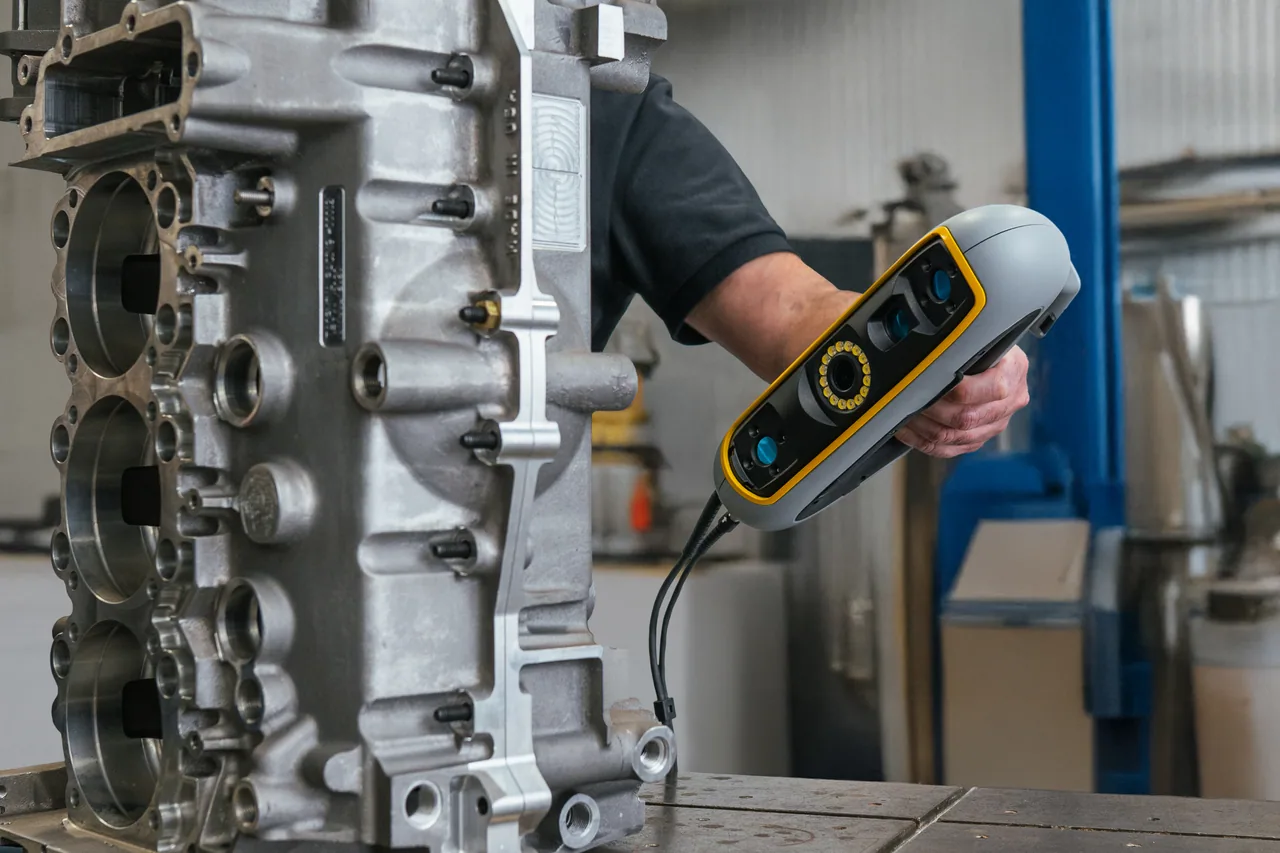
Peel 3.CAD pairs the Peel 3 scanner with Peel.CAD software to prepare scan data and extract geometry for your CAD workflow. It suits reverse-engineering projects where designers will continue reconstruction in an existing CAD application.
What can Peel 3.CAD help you achieve?
Prepare scans for CAD
Use Peel.CAD to prepare captured geometry for reconstruction in your design environment.
Extract design references
Create scan-derived reference geometry to support reverse engineering.
Continue in your CAD system
Transfer supported outputs into the CAD workflow used by your team.
Application fit
When should you consider Peel 3.CAD?
- Reverse engineering into an existing CAD system
- Extracting design references from physical parts
- Product modification and fit studies
Application support from K K Geo System Pvt Ltd
Our team helps you select the scanner, Peel.CAD package, required exports and workstation around your components and required output. Share your application so we can recommend a suitable configuration.
Peel 3.CAD — models and specifications
| Peel 3 hardware | Published specification |
|---|---|
| Recommended object size | 0.1–3.0 m |
| Accuracy | Up to 0.050 mm |
| Volumetric accuracy | 0.050 mm + 0.100 mm/m |
| Mesh resolution | 0.250 mm |
| Weight | 950 g |
| Connection | USB 3.0 |
These hardware specifications apply to the Peel 3 scanner. Package differences concern the software workflow. STL, OBJ and PLY are among the mesh outputs; STEP and IGES exports require the applicable CAD package. Performance depends on the specified measurement conditions.
Published specifications apply to the manufacturer’s configuration and test conditions.
How does Peel 3.CAD fit into your workflow?
Peel 3 captures the object and Peel.CAD prepares the scan and extracts reference geometry. Supported outputs move into the receiving CAD application, where reconstruction continues.
Request a Peel 3.CAD quotation
The quotation for Peel 3.CAD depends on the scanner, Peel.CAD package, required exports and workstation. K K Geo System Pvt Ltd can recommend a configuration for your application and provide a proposal covering the agreed equipment, training and support.
Your Peel 3.CAD questions answered
What does Peel 3.CAD add to Peel 3?
The CAD package adds tools for alignment and extracting geometry from scans, preparing references for work in a downstream CAD application.
Can Peel 3.CAD export CAD geometry?
The applicable CAD package supports STEP and IGES exports. Exporting geometry does not mean every receiving CAD system gains the same editable feature history.
How does it differ from Pro.CAD?
Peel.CAD bridges scanning and another CAD workflow. Peel.CAD Pro adds sketching and modelling for carrying out more reconstruction within the package.
Which alternatives should you compare?
Compare broader CAD modelling · Compare HandySCAN PRO
Discuss your application
Discuss your Peel 3.CAD application
Share your component and measurement requirements so K K Geo System Pvt Ltd can recommend a suitable configuration and arrange a relevant demonstration.