Measured-value acquisition
Transfer supported instrument readings to the receiving device through the specified cable or wireless interface.
 K K Geo System | 3D Scanning & Metrology Solutions India
TESA · Accessories & Data
Configure TESA data connections and software for recording measured values. Select the connection from the exact instrument output, then define acquisition, analysis and reporting needs.

Transfer supported instrument readings to the receiving device through the specified cable or wireless interface.
Use compatible software and a defined sampling plan to evaluate collected measurement data. Select the required calculations and reporting workflow.
Associate readings with the inspection or calibration task using suitable software. Define identifiers, units, report fields and result storage.
| Family / option | Configuration | Selection notes |
|---|---|---|
| TLC cable and TLC-BLE | Connections for compatible TLC instruments | Specify instrument, transmitter/receiver or adapter and receiving device. |
| Opto, USB, Sub-D and DIN connections | Instrument-specific interface families | Match the electrical interface and connector to the exact model. |
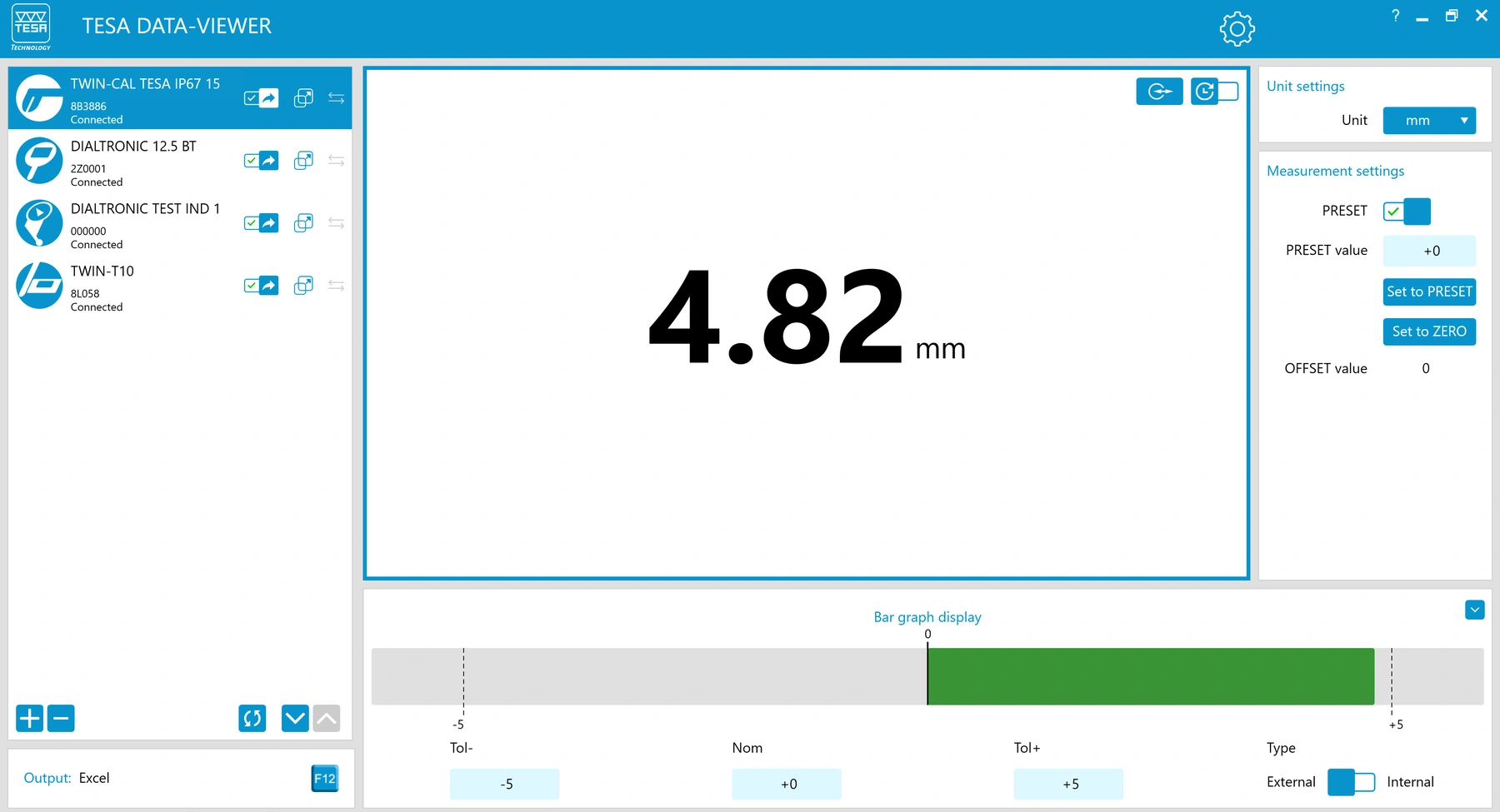
| DATA-VIEWER / DATA-DIRECT | Value-transfer and acquisition workflows | Review the required receiving application and data-entry behaviour. |
| STAT-EXPRESS | Statistical software | Confirm supported instruments, calculations and report requirements. |
| DATA-STUDIO / TESA UP | Roughness or gauge-block software workflows | Select the package for the instrument and intended task. |
| Switches and printers | Data-triggering or output accessories | Check supported connection, printer type and supply scope. |
This comparison describes product families and configurations. Confirm the exact range, permissible error, accessories and documentation with the selected part number.
Provide model and part number, output port and existing accessories. Do not select a cable only from connector shape.
Specify computer or device, software, units, data destination and how readings are triggered.
Include transmitter, receiver, adapter, cable, software and any required power supply as a compatible set.
A cable or transmitter needs a supported instrument interface. Confirm the output on the exact model before specifying accessories.
Review the full connection: instrument port, transmitter or adapter, compatible receiver or receiving device and acquisition software.
Start with the task: simple transfer, cell-directed acquisition, statistical evaluation, roughness reporting or gauge-block calibration. Confirm compatibility and functions for the selected package.
Connector shape alone does not establish electrical or data compatibility. Specify the exact instrument and interface standard.
Instrument model/part number, output interface, receiving computer or device, software, data destination and trigger method.
India availability, supplied accessories and lead time are confirmed with the quotation.
Manufacturer references: TESA product category, Related TESA range. Product photos show representative configurations. .